Add New Person
From the Manage Persons screen, click Add New Person.
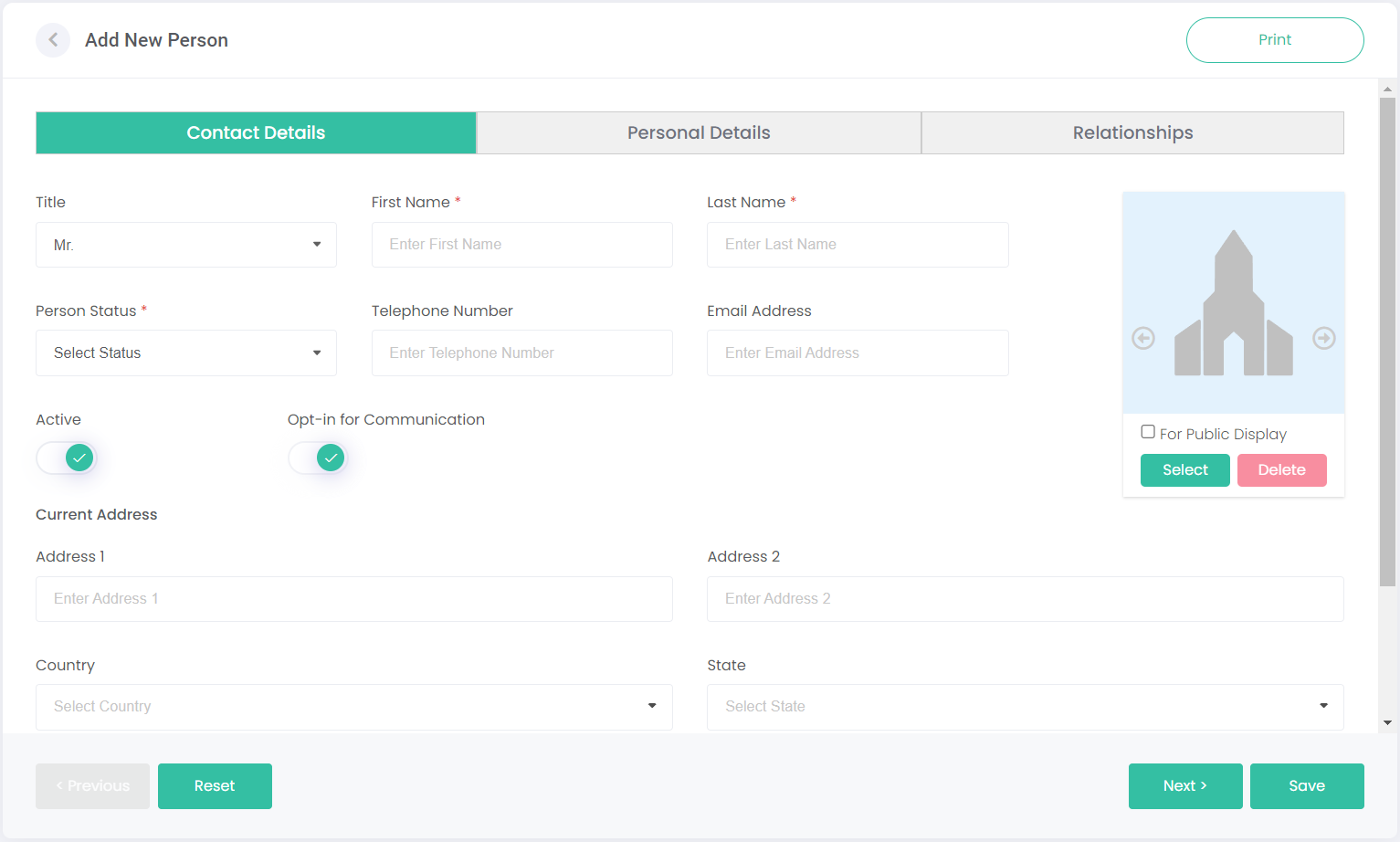
The Add New Person screen has three tabs to complete: Contact Details, Personal Details, and Relationships. Fill out all the required information on each tab, clicking Next to go to the next tab, and Save to finish adding the new person.
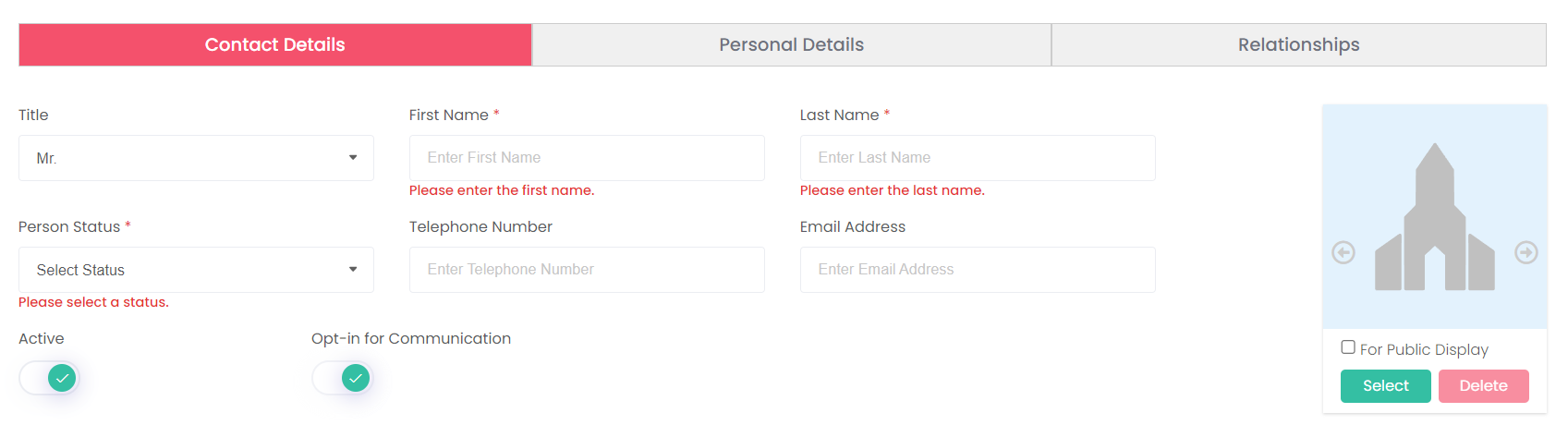
All fields with a red asterisk are mandatory. You won't be able to save the person without completing these fields. An attempt to do so will cause any tabs with missing information to be marked as red, as shown below: