(c) Copyright by OpusXenta Pty Ltd. All rights reserved.
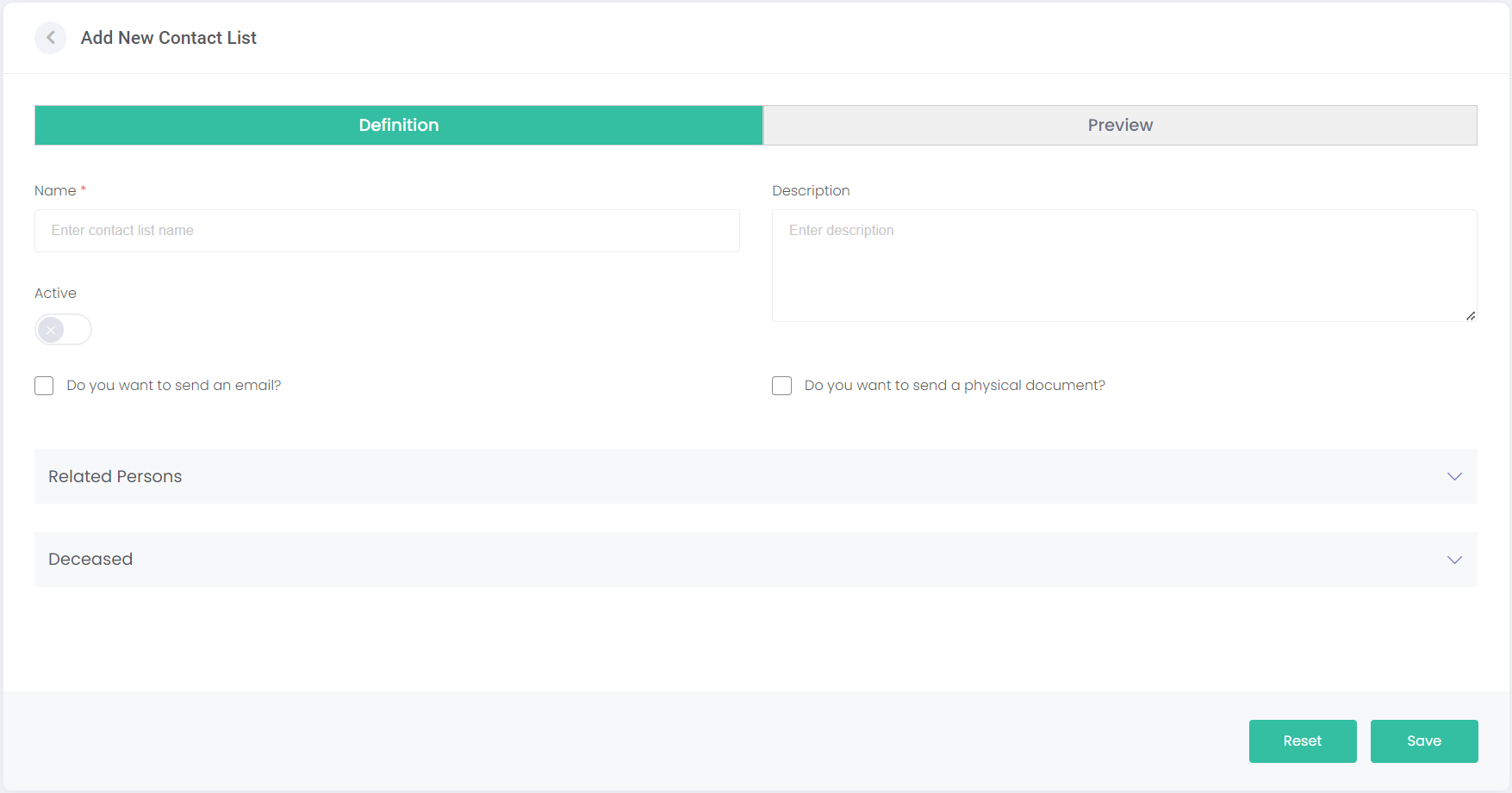
Add New Contact List
Click Add New Contact List on the Contact List page.
This will open the Add New Contact List screen. This screen has two tabs of information to complete.
Upon completing both tabs, click Save to finish creating the list.
Click Reset to clear any information entered and start again. If viewing this screen in edit mode, Reset will just clear the changes you've made, reverting it to its original state.