Add Custom Job
To create a new custom job, click the Add Custom Job button on the top right-hand side of the Job Management screen.

This will open the New Job screen. From here, the details of the job can be entered.
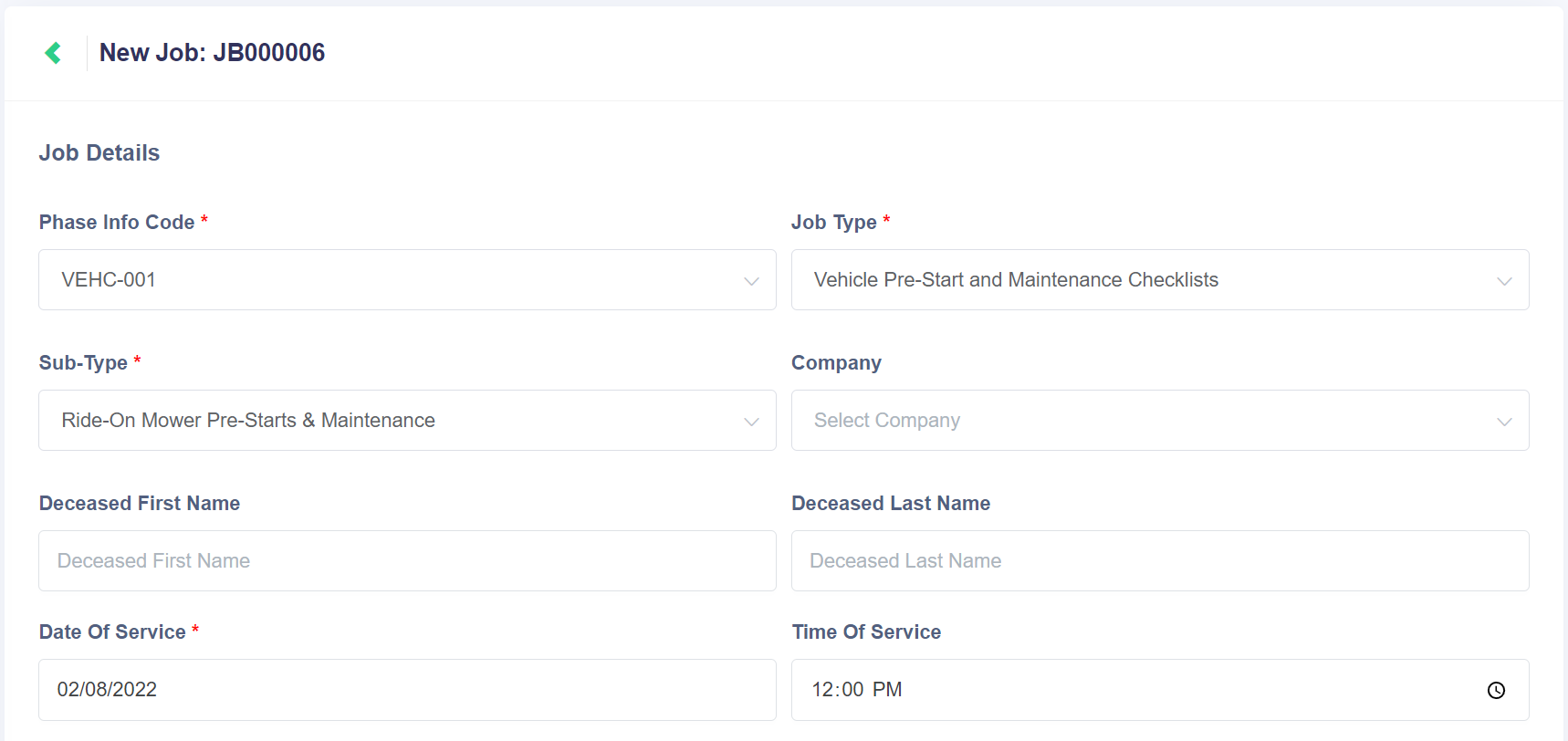
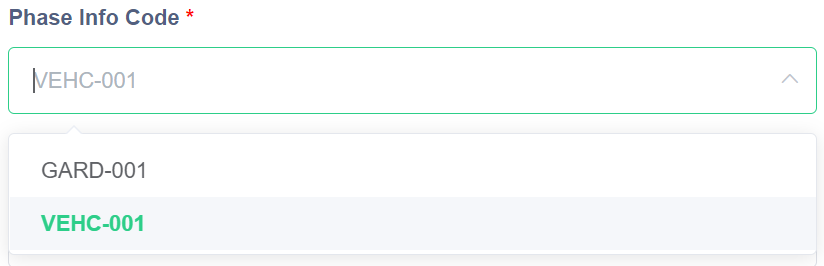
The Phase Info Code drop-down displays any phase info entries that are connected to custom job types. This list won't display phase infos that are only connected to byondpro job types.
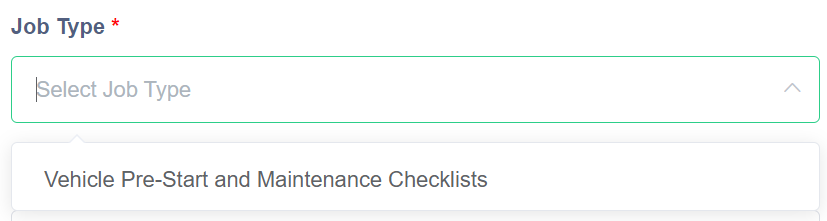
The Job Type field will then display any custom job types that are connected to the above Phase Info Code. This prevents custom jobs being created that don't have any phase information configured.
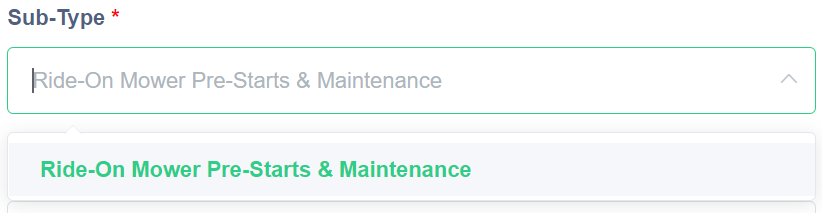
The Sub-Type field also displays any sub-types that are connected to the provided phase info entry. If the chosen job type above doesn't require a sub-type, then this field will be blocked out.
The Company field displays a list of any companies that have been configured in byondcloud and/or synced from byondpro.
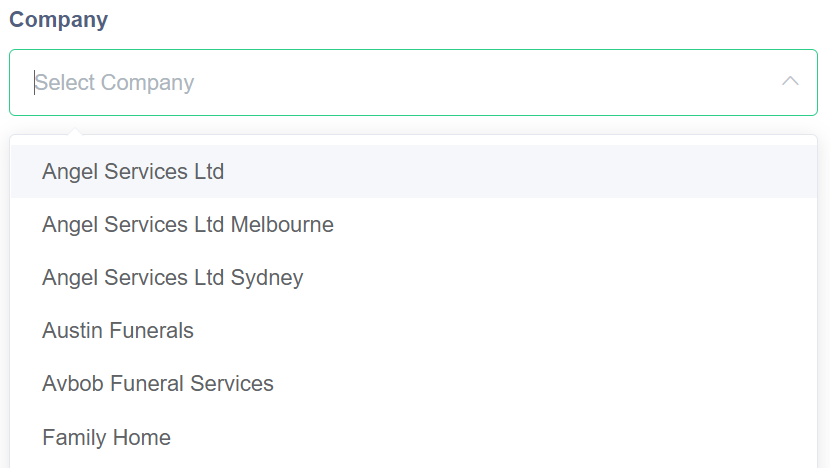
The Deceased First Name/Last Name fields are optional fields that can be used if the custom job relates to a specific deceased person's location.

The Date of Service and Time of Service fields allow for the exact date and time of the job to be captured. The date of service field is mandatory, and simply translates to the day that the works will be completed. The time of service is optional, but is useful when planning the schedule of jobs/tasks for the day.

The Job Details and Job Requests fields are free-text boxes that allow for instructions and notes to be added to the job. For example, the Job Details field could further clarify where or how the job is done. The Job Requests could provide certain special requirements or considerations while completing the works.

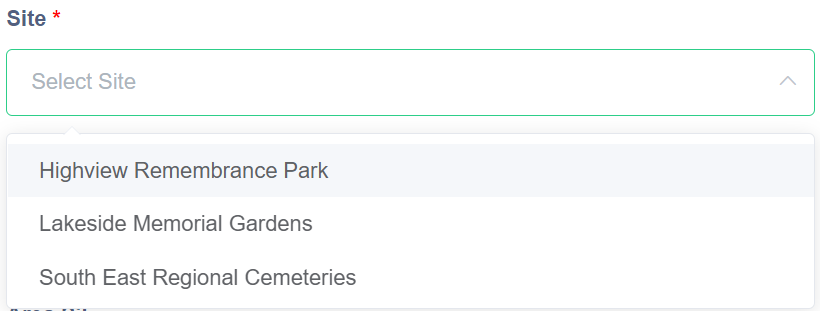
The Site drop-down provides a list of any sites that have been configured in byondcloud. This includes sites that have been synced from byondpro into byondcloud.
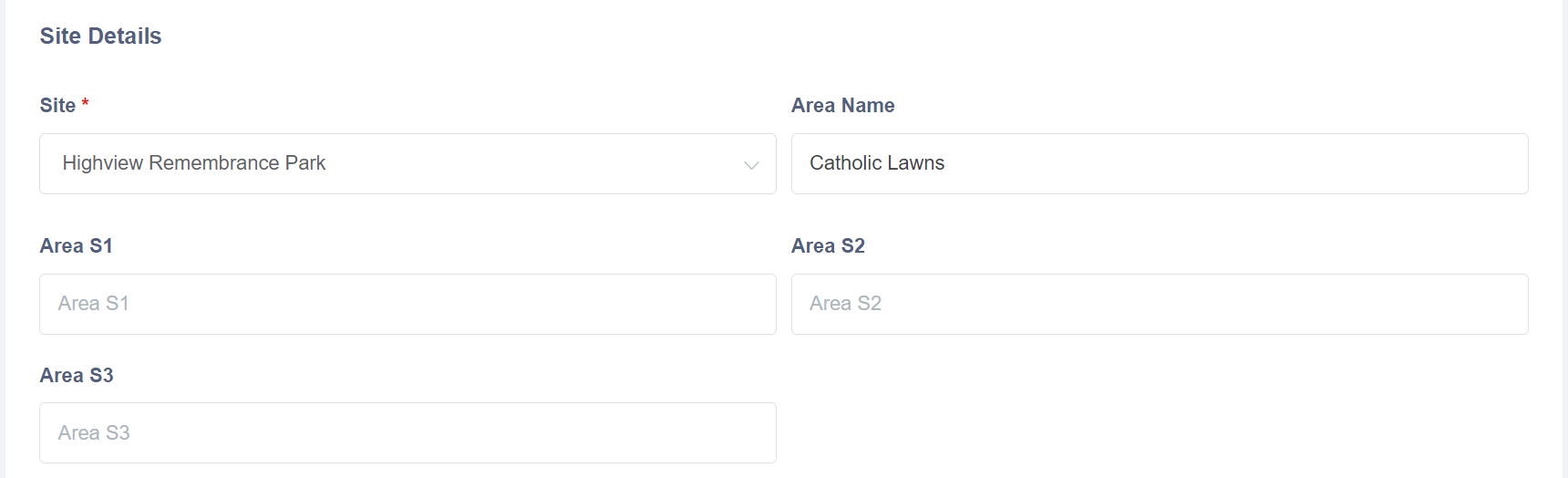
The rest of the Site Details fields allow for an Area Name to be entered, along with sub-areas if required. Only the Site field is mandatory here.
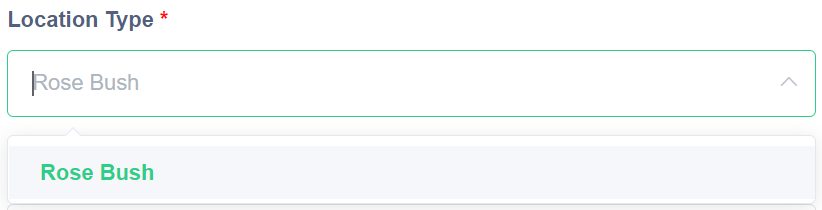
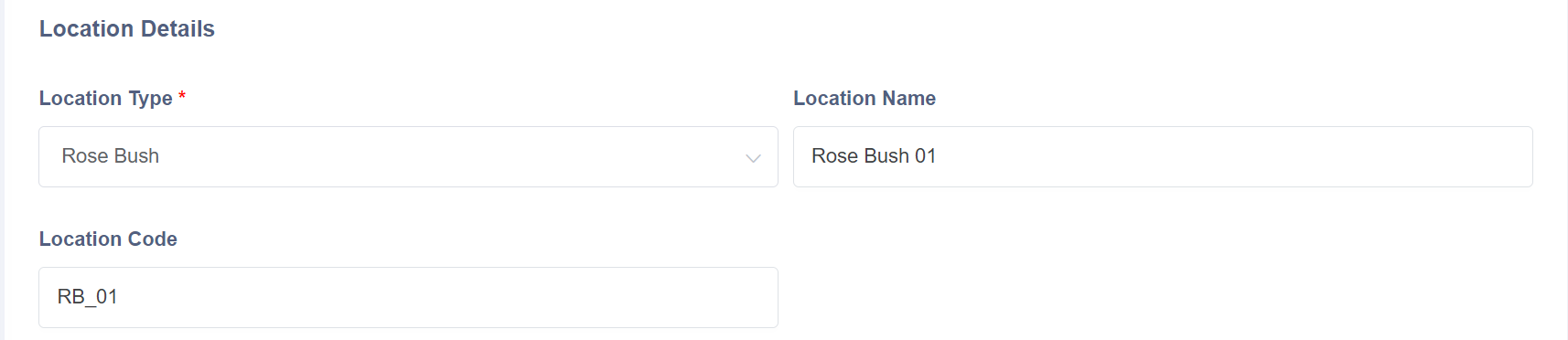
The Location Type displays a list of any custom location type that is connected to the phase info entry selected earlier. If the custom job type doesn't require a location, this field will be blocked out.
The two other Location Details fields are the Location Name and Location Code. These are optional fields that allow for specific locations to be referenced for the operational staff.
The Interment Details section allows for Previous Interment and Interment Alerts to be marked. These fields are optional and would likely only be relevant on burial, CR placement, or other memorial service jobs, which would generally be completed as byondpro synced jobs. That said, these fields are available if custom job types are created for those service types.

Once all the above fields are completed, click the Submit button to save the new custom job.

Back on the Job Management screen, the following pop-up message should display. The new job will also be displayed in the list of current jobs.
