Add Care Program
Click the Add Care Program button to add an existing package.
In the Care Program menu, select from the available options.
In the Location menu, select where the program will be delivered to.

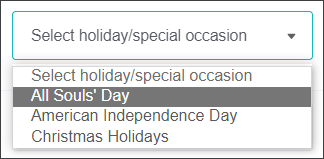
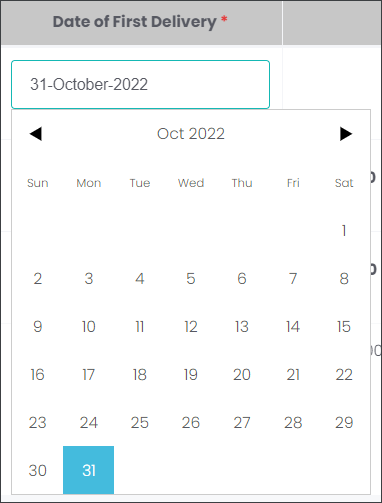
Then, select the delivery dates and, if it is applicable, select the Special Occasion.
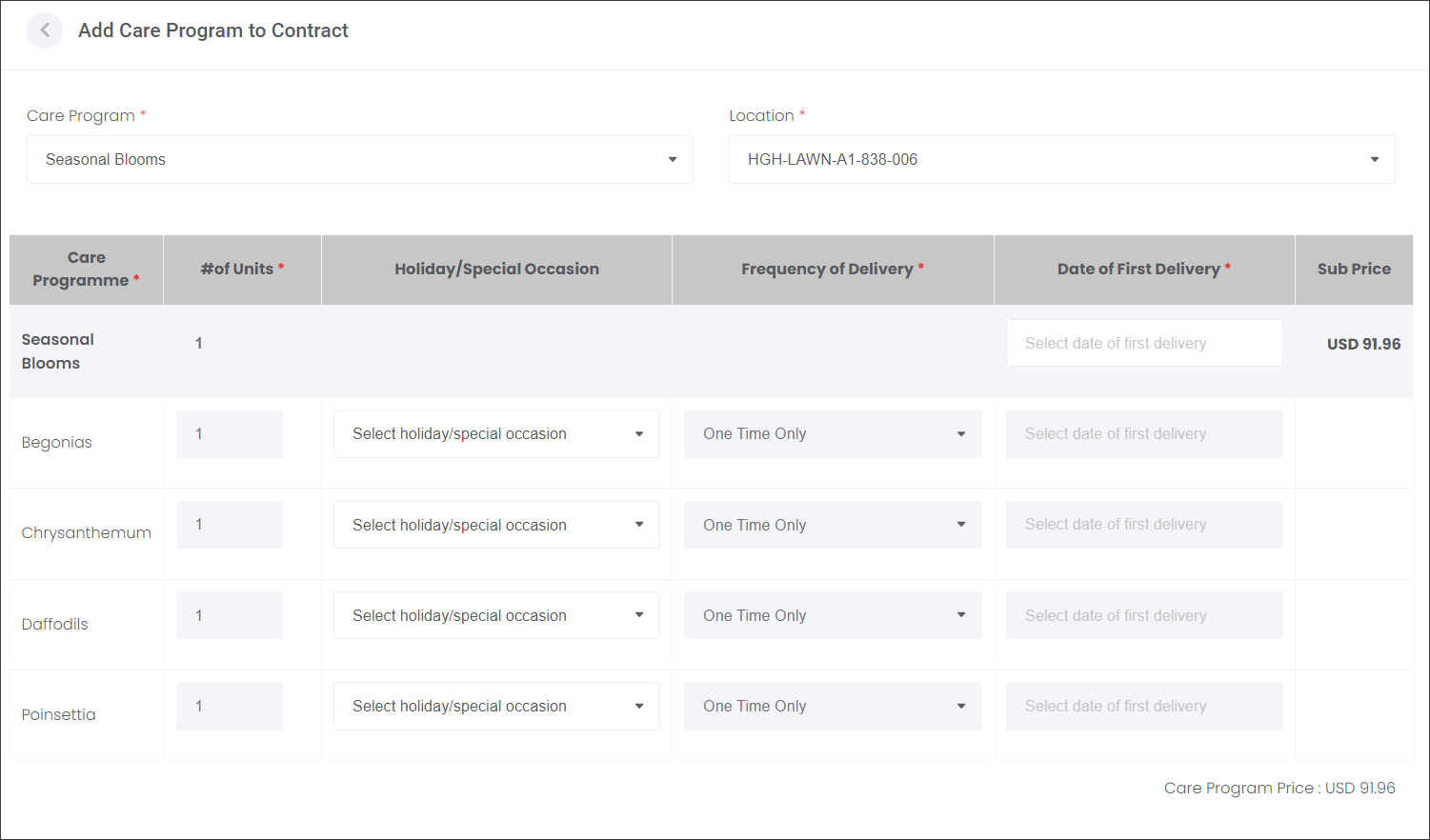
Select from the options in the following drop-down menus: the Holiday/Special Occasion and the Date of the First Delivery.
The remaining fields are driven by the Care Program settings.
The Care Program Price is calculated based on the summary of all individual Items.
Press Add to secure the selection.
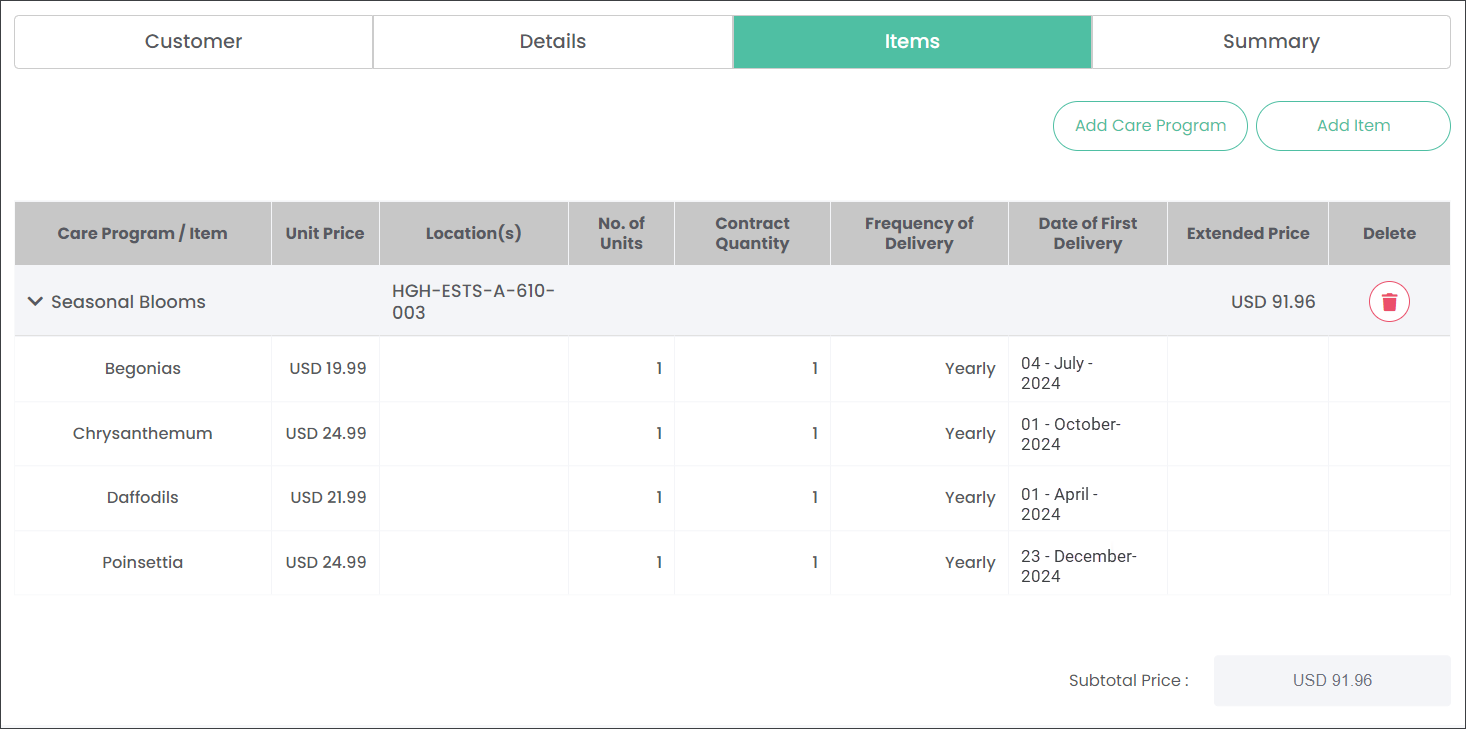
Add an additional Care Program using the Add Care Program button.
Add individual or multiple Items using the Add Item button.
Navigate to the Summary section to view all details of the Contract.