Add a New Rights Holder
To add a new rights holder:
Select Add New Rights Holder from the top right of the screen.

The following screen displays, with 3 tabs across the top of the screen: Rights of Interment, Details and Documents.
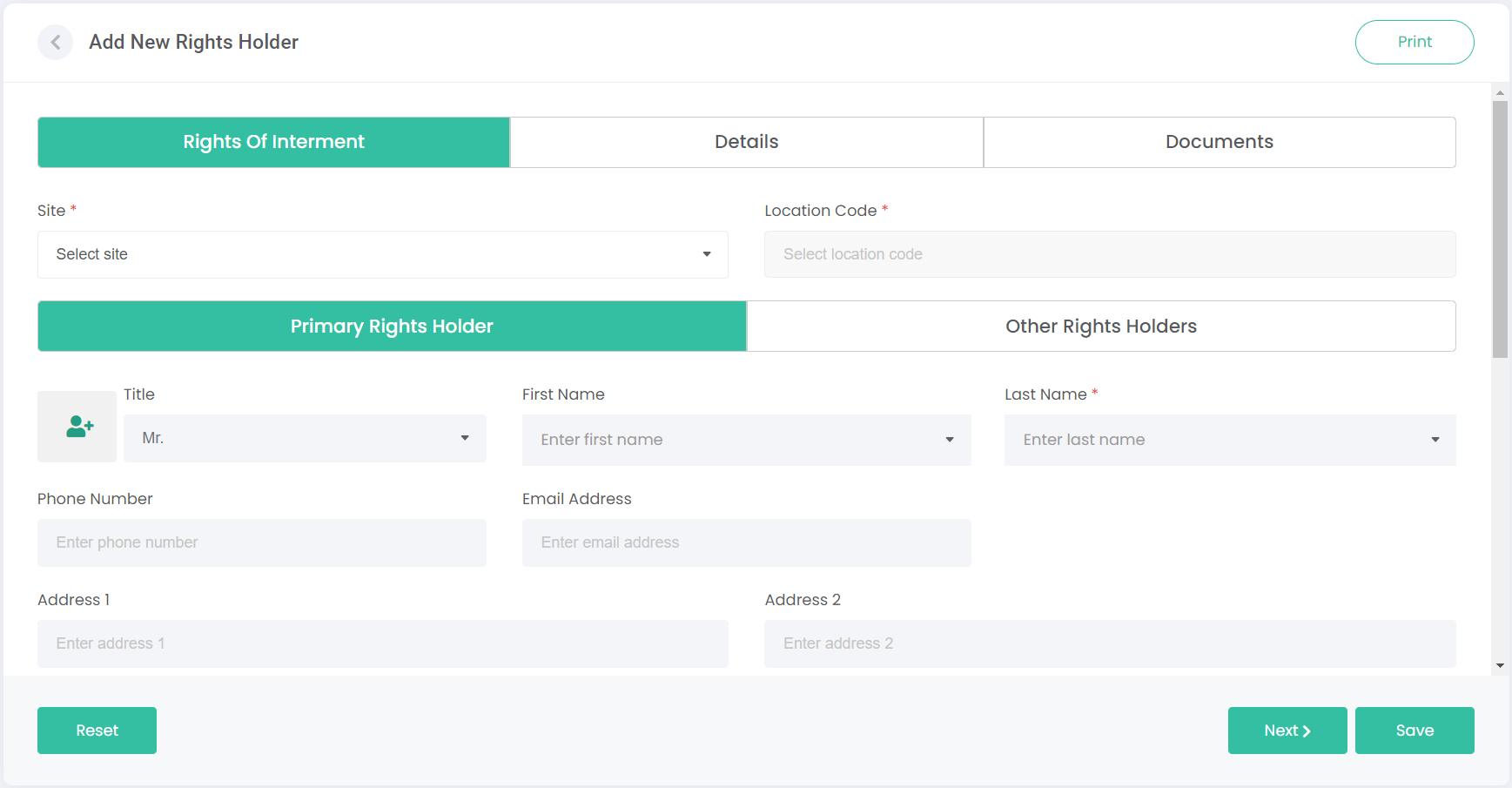
You can click on each tab header to move through each section or click Next at the bottom of the screen to move to the next section.
Notice that the Right of Interment tab above is green? This highlights the current tab we are working in. Once completed, this tab will turn grey. A white tab indicates that it is yet to be completed.
You can also print the page for your records by clicking the Print button on the top right of the page.