Add a Field
You may want to add a field that is not flagged for the Deceased & Common Information screen or the screen you are configuring.
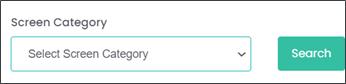
To do this, set the screen category search at the top of the screen back to ‘Select Screen Category’ and choose the Search button.
This will take you back to viewing all possible fields.
Find or search for the field to add to the Deceased & Common Information Screen.
For example, if we wanted to add witness cremation, type 'Witness' into the Field Label Name and select the Search button.

This will return all field labels with the word ‘Witness’ in the field.
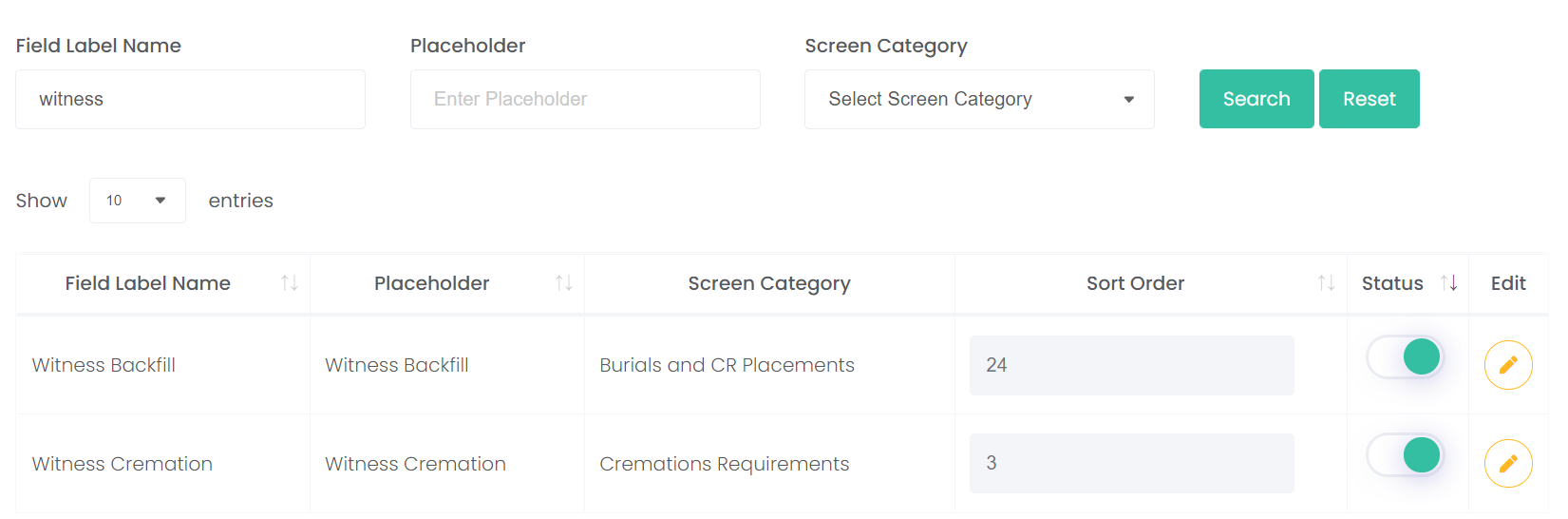
Choose the Edit button on the Witness Cremation Line.
This field is already on the ‘Cremation Requirements’ screen.
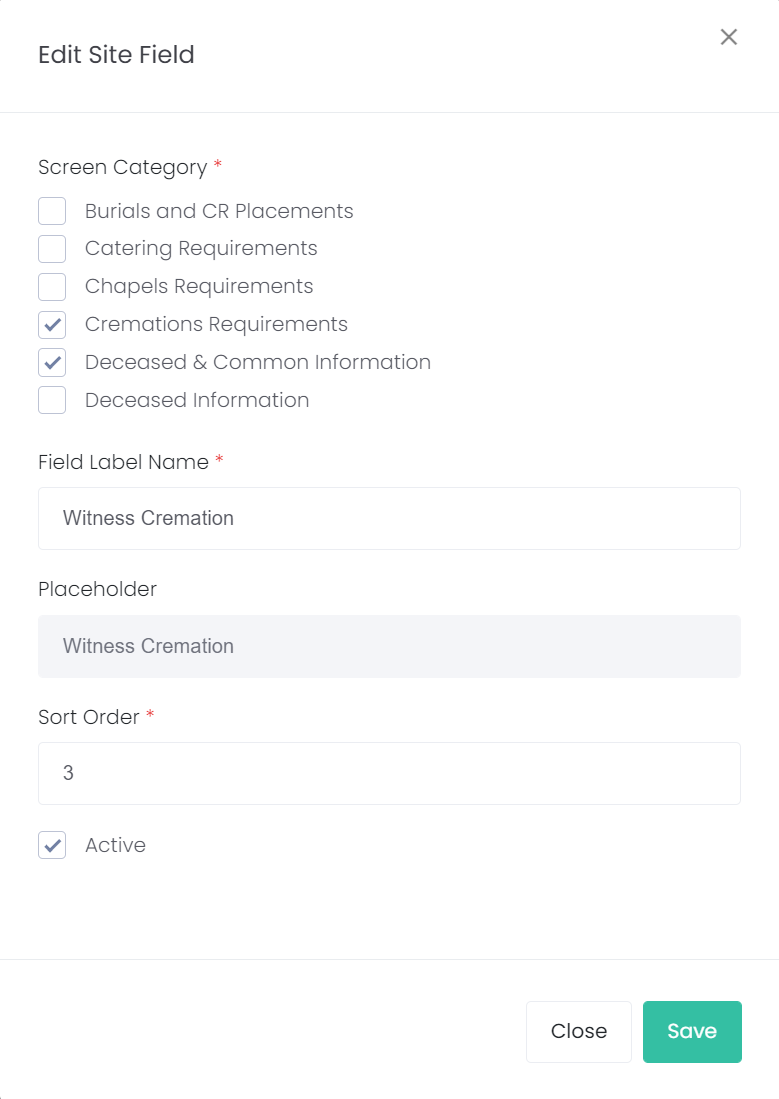
If the screen is in use, the field can display on both screens by selecting the screen category tick boxes as shown below.
Then choose Save.
This field will now show on both screens with the sort order of 3, meaning it will be the 3rd field to display on each of these screens.